
Choosing a memory IC starts with the data your product needs to store: working data, firmware, settings, or recorded information. From there, match the memory type and capacity to the controller, check performance and power requirements, and confirm that the exact part can support your expected service life and production plan.
For engineers and OEM/EMS purchasing teams, these decisions belong together. A device that works on a prototype may still create problems if its write behavior, package variant, or supply conditions were overlooked. This guide explains what to check before you add a memory IC to your production BOM.
Define What Your Design Needs to Store
Start with a simple memory map. Identify what data exists, how often it changes, and whether it must survive a power cut.
Firmware, calibration values, and device settings usually need non-volatile storage, which retains data without power. Temporary buffers and working variables generally need volatile memory. A product may need both rather than one chip that handles everything.
The write pattern matters as much as the data type. A calibration value changed during servicing has a different workload from an operating counter updated every second. Also define how long records must remain available and whether the processor needs to execute code directly from external memory.
Before comparing parts, document the maximum data size, peak transfer rate, update frequency, required unpowered retention, and expected product lifetime. Include what should happen if power fails during an update. Non-volatile storage alone does not guarantee that an interrupted write leaves a valid record.
Check the controller’s internal memory first. If it already meets the requirements, an external device may add little value. If it does not, specify the missing function before searching the categoria "circuiti integrati".

Choose the Right Memory Type
How the device reads and writes data should guide your choice. Once you understand that workload, you can compare capacity and cost within the suitable memory types.
| Memory type | Common design role | Main selection check |
|---|---|---|
| SRAM | Working buffers and fast random access | Capacity, access timing, interface, and standby current |
| DRAM | Larger working memory | Controller support, memory generation, timing, refresh, and layout |
| EEPROM | Settings, calibration, and small persistent records | Write timing, page boundaries, endurance, and write protection |
| NOR flash | Firmware, boot code, and read-heavy assets | Boot support, read protocol, erase layout, and update behavior |
| NAND flash | Larger persistent data storage | ECC requirements, bad-block handling, and controller support |
| FRAM or MRAM | Frequent persistent updates or fast state storage | Exact device ratings, interface, density, and retention conditions |
SRAM and DRAM provide working memory but normally lose their contents when power is removed. DRAM needs refresh and a compatible memory controller; it is not a replacement for SRAM just because both are RAM.
For non-volatile storage, EEPROM can suit small updates, while NOR flash is often considered for firmware. Execute-in-place, or XIP, means executing code from external memory without first copying the whole image into RAM. It requires a suitable host and memory configuration.
NAND involves a different integration decision. Raw NAND requires the system to meet the device’s error-correcting code (ECC) and media-management requirements, with responsibilities depending on the device. Managed NAND includes a controller that handles functions such as wear leveling and bad-block management. Micron’s NAND selection guidance explains this distinction.
FRAM and MRAM are worth investigating when frequent updates make flash or EEPROM endurance difficult to manage. Treat them as candidate technologies, then verify the individual part. Family-level claims do not establish its lifetime in your application.
Work Out How Much Memory You Need
List the space each function needs. Alongside useful data, allow for metadata, checksums, alignment, recovery information, and reserved areas.
For firmware, include the bootloader and update method. An A/B update scheme stores two firmware images so that the system can retain a usable version during an update. That can require substantially more space than the current application image alone.
For data logging, a useful starting calculation is:
Storage needed = bytes per record × records per second × recording duration in seconds.
For example, 32-byte records saved once per second for 24 hours require 2,764,800 bytes before overhead. This is a sizing example, not a recommendation for a particular chip. Add the actual filesystem, alignment, recovery, and growth requirements before choosing the next suitable density.
Pay attention to bits and bytes. A 128-Mbit device provides 16 MiB of raw array capacity when its specified density is 128 × 2²⁰ bits. It does not provide 128 megabytes. Confirm the manufacturer’s memory organization, address range, and usable capacity, particularly for managed storage.
Working RAM needs a separate calculation covering stack, heap, communication buffers, graphics, and simultaneous tasks. Measure peak use under realistic conditions. Free memory during an idle demonstration tells you little about the worst case.
Agree on a justified growth allowance with the firmware team, and check whether a future density increase would change addressing or controller support.
Check Speed, Interface, and Controller Compatibility
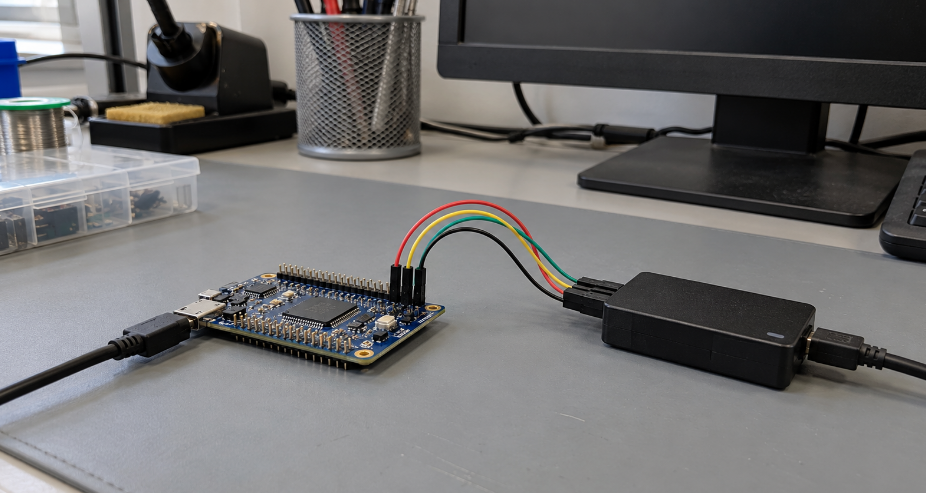
A matching interface name is only the beginning. The controller must support the memory’s commands, address length, transfer modes, and startup behavior.
For serial flash, compare instruction codes, dummy cycles, quad-enable settings, reset behavior, and addressing modes. Dummy cycles are clock cycles inserted before data is returned. A mismatch can cause read errors even when the wiring is correct.
STMicroelectronics’ Quad-SPI application note is a useful reference for supported STM32 devices. Check your exact MCU or MPU documentation as well: memory-mapped access and boot capability depend on the host and its configuration.
Do not equate clock frequency with application throughput. Commands, addresses, waiting cycles, transfer length, and shared-bus traffic reduce the payload rate. Writes also have their own limits. For EEPROM and flash, the time spent completing internal programming or erasure can matter more than the bus clock.
For DRAM, check generation, bus width, organization, timing, and initialization requirements against the controller. A different speed grade or organization may require configuration changes even when the package fits.
Before approval, test startup, full-range addressing, sustained transfers, and the real update workload on your board. Include the lowest and highest specified supply conditions and relevant temperatures in the validation plan. Record the memory part number, firmware settings, and test conditions so purchasing has an approved configuration to source.
Compare Voltage, Power Consumption, and Package Options
Check both the memory supply and the host’s input/output voltage requirements. A part that tolerates your supply voltage may still have logic thresholds that do not match the controller.
Use recommended operating conditions and guaranteed electrical limits. Absolute maximum ratings describe stress limits; they are not a valid operating target. Check power sequencing and whether signals can drive an unpowered device.
Battery-powered products need an energy budget covering reading, writing, standby, deep sleep, and wake-up. A very low standby current is useful, but long programming periods or frequent wake-ups can change the result. Compare guaranteed limits under equivalent conditions, then measure the intended duty cycle.
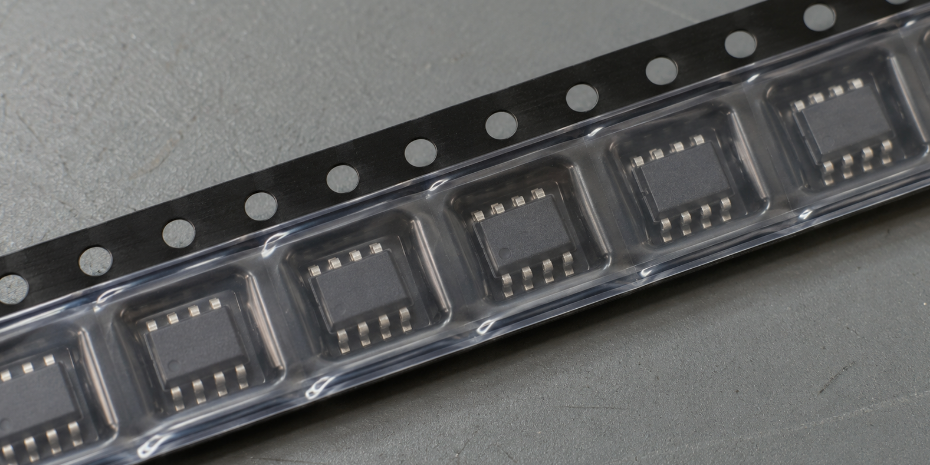
Package selection also affects manufacturing. Review the exact outline, pinout, pitch, height, and PCB land pattern. Two devices described as eight-pin packages may have different widths or pin assignments. A smaller package can save area while demanding more from assembly and inspection.
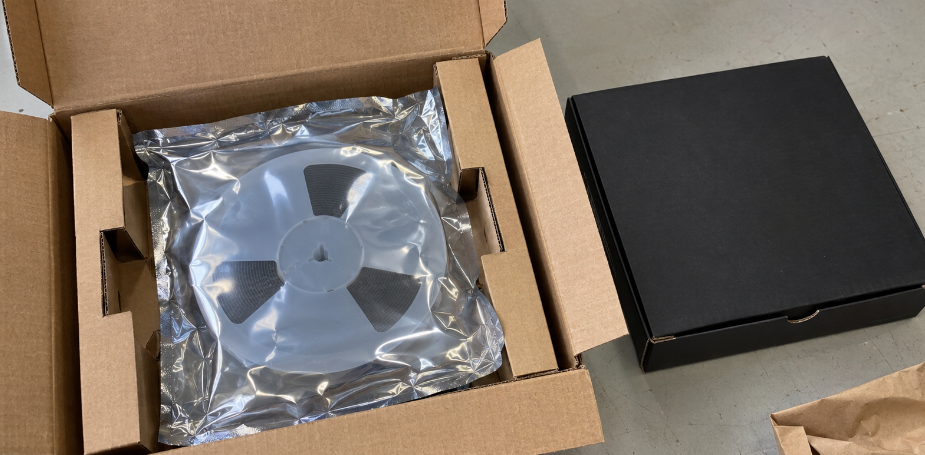
Confirm the moisture sensitivity level and handling instructions for the selected package where applicable. Include packing format and production quantity in the sourcing request. Tube, tray, and tape-and-reel options can affect feeding and preparation on the EMS line.
The full orderable part number belongs on the BOM. A shortened family name can hide differences in package, temperature grade, or packing format.
Check Endurance, Data Retention, and Operating Temperature
Endurance describes the permitted cycling under specified conditions. Data retention describes how long data remains stored under specified conditions. Neither figure should be read without its footnotes.
Begin with the most frequently updated location. As an illustrative workload, one update per second for five years is approximately 158 million updates, using 365 days per year. This is a workload calculation, not a device lifetime prediction. Actual wear depends on the memory’s cycling unit and the software’s write and erase behavior.
A counter repeatedly written to the same location can wear differently from a circular log. Wear leveling can distribute cycling, but its benefit depends on available space, record layout, and implementation. Compare the worst-loaded endurance unit with the manufacturer’s guaranteed rating rather than averaging writes across the entire chip.
Microchip’s 24AA256/24LC256/24FC256 datasheet shows why the electrical table and its test conditions matter. Read the endurance rating for your selected part under the specified conditions. Do not transfer one device’s rating to every EEPROM.
Retention also needs context: the required storage temperature, previous cycling, and length of unpowered storage all matter. Check whether the stated retention applies to fresh memory or to the specified end-of-life cycling condition. Define a refresh or maintenance policy only if the application can reliably carry it out.
Select the temperature grade for the local conditions around the chip. An outdoor enclosure or nearby heat source may produce a different environment from the room temperature used during prototype testing. Automotive or other demanding applications may also require specific qualification and customer approval beyond a suitable temperature range.
Finally, test interrupted writes and recovery. Consider checksums, sequence numbers, duplicate records, brownout detection, or hold-up energy as appropriate. Validate the chosen method: even a fast non-volatile write does not make a multi-byte transaction automatically atomic.
Review Cost, Availability, and Long-Term Supply
Compare total implementation cost. Include PCB area, additional power circuitry, programming time, software work, inspection, and the cost of qualifying an alternate. A lower unit cost may be offset by added integration or production work.
Review the manufacturer’s current lifecycle status for the exact ordering code before release. Ask how product change notifications (PCNs) and product discontinuation notices (PDNs) will reach your team. A successful prototype purchase does not establish availability for later production.
Per computing and embedded-system sourcing, give the supplier your approved part number and requirements. Distinguish stock on hand from stock held elsewhere or subject to confirmation.
| Before issuing the purchase order | Evidence or decision needed |
|---|---|
| Exact identity | Manufacturer, complete ordering code, package, and temperature grade |
| Production supply | Confirmed quantity, lead time, delivery schedule, and packing format |
| Lot acceptance | Available lot/date-code information and any permitted mixing |
| Documentazione | Agreed provenance records and application-specific declarations |
| Handling | Packaging condition and applicable moisture/ESD requirements |
| Alternate approval | Engineering review of electrical, mechanical, and firmware differences |
For US and European projects, identify applicable destination and customer requirements early. Request relevant substance declarations when required, and check their scope. Such documents do not prove electrical suitability or component authenticity.
When using an independent supplier, agree on the available provenance evidence, inspection scope, and acceptance terms before ordering. Label and visual checks can reveal inconsistencies, but they do not alone establish authenticity or functional performance.
Qualify substitutes before an urgent shortage. The same density, interface, and package do not establish interchangeability. Command sets, reset states, protection bits, erase behavior, and startup timing may differ. Keep the approved part list and firmware configuration together so that substitutions remain controlled.
Conclusione
The right memory IC fits the workload, controller, board, expected service life, and production plan. Start with the memory map, calculate capacity, and verify compatibility before comparing sourcing options. Carry the exact approved configuration from prototype testing into the production BOM.
DuoLink Electronics is an independent electronic-component supplier offering memory IC and BOM sourcing support. You can send DuoLink your sourcing requirements with the manufacturer, full part number, quantity, delivery schedule, and documentation needs. Include temperature grade, package, and any lot or date-code restrictions so that supply options can be reviewed against your requirements. Your engineering team should approve suitability and any proposed replacement.
Domande frequenti
Do I need an external memory IC if my MCU already has memory?
Only if internal memory cannot meet the required capacity, performance, endurance, or retention. Check the MCU’s supported use of internal flash and peak RAM usage before adding an external device.
Can I replace a memory IC with another brand of the same capacity?
Possibly, after engineering review. Compare pinout, voltage, commands, timing, protection settings, and startup behavior. Validate the replacement on the production hardware and firmware.
Is EEPROM or flash better for frequently updated settings?
Choose based on the write workload and each part’s guaranteed limits. EEPROM may simplify small updates. Flash requires attention to erase units and write management. For very frequent persistent updates, also evaluate suitable FRAM or MRAM devices.


 Italian
  English
  German
  Spanish
  French
  Chinese