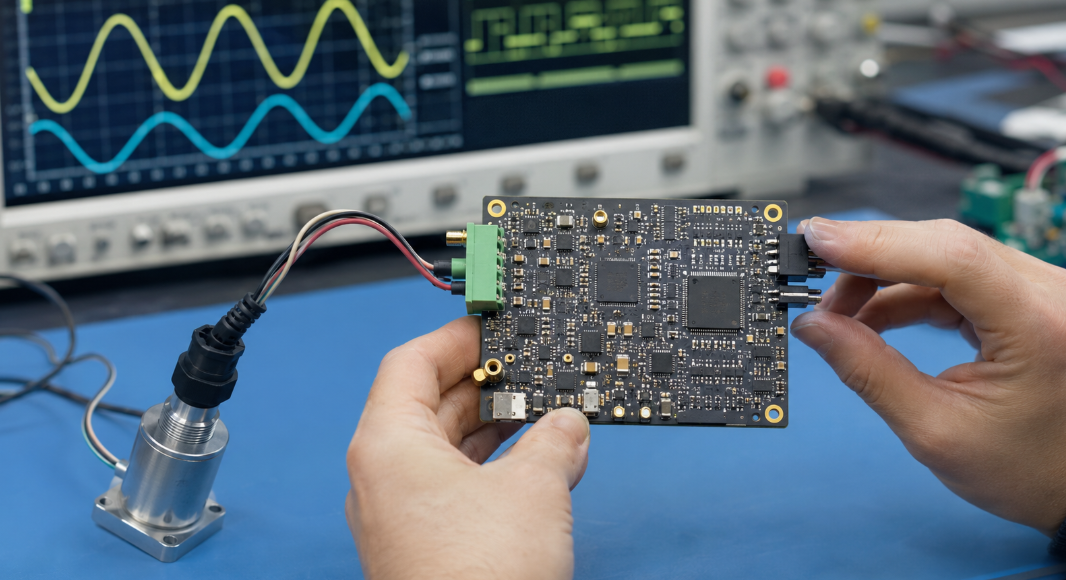
When You open a distributor’s website, search “32-bit MCU,” and suddenly you’re looking at thousands of part numbers from a dozen manufacturers. Every datasheet promises low power, high performance, and rich peripherals. None of them tell you which one will actually survive your production run without a redesign six months from now.
I’ve spent years sitting on both sides of this problem. Design engineers sometimes spec a microcontroller that looked perfect on paper, only to discover during procurement that it had a nine-month lead time or was already heading toward end-of-life. Sourcing teams, meanwhile, can panic when a “drop-in compatible” replacement turns out to need firmware changes nobody budgeted for. The selection process isn’t just an engineering exercise. It’s a decision that touches your firmware team, your supply chain, and your production line all at once.
This guide walks through that decision the way I’d walk through it with a client: starting from what the system actually needs to do, working through memory and peripherals, and ending with the supply chain realities that determine whether your chosen part will still be buyable in two years. Skip a step here, and you’ll likely pay for it later, either in a frustrating respin or in a scramble to find substitutes when stock runs dry.
Start with the Embedded System Requirements
Define the Main Functions of the System
Before you compare a single chip, write down exactly what your product needs to do. Is it reading sensors and triggering an alarm? Driving a motor? Managing a display and a wireless connection at the same time? Each function pulls on different MCU resources, and lumping them together as “general control” leads to either an underpowered chip or a wildly overspecified one.
Try breaking the system into inputs, processing, and outputs. List every sensor, every actuator, every communication link, and every user interface element. This sounds tedious, but it’s the same exercise experienced firmware engineers do instinctively, and skipping it is the single biggest reason projects end up needing a second-revision board. A clear function list also gives your component supplier something concrete to search against when they’re helping you shortlist candidates.
Identify Real-Time Processing Requirements
Some systems have hard deadlines. A motor controller that misses a PWM update by a few microseconds can damage hardware. A data logger that’s a few milliseconds late writing to memory usually just loses a sample. Knowing which category your project falls into changes everything downstream, from clock speed to whether you need hardware timers with nanosecond precision or can get away with simple polling loops.
Map out your fastest required response time and your most frequent interrupt source. If you’re controlling a brushless motor or managing safety-critical braking logic, you’re in hard real-time territory, and that pushes you toward MCUs with dedicated timer and PWM hardware rather than software-driven workarounds. If your system mostly waits for button presses or periodic sensor polling, you have far more flexibility, and that flexibility usually translates into lower cost and easier sourcing.
Consider the Operating Environment and Product Lifecycle
A microcontroller destined for a consumer gadget with an eighteen-month shelf life lives a very different life than one going into industrial or automotive equipment expected to run for fifteen years. Operating environment covers temperature swings, vibration, humidity, and electrical noise. Product lifecycle covers something equally important but often ignored at this stage: how long will you need to keep buying this exact part?
I’ve seen teams design brilliant consumer-grade boards around automotive-environment requirements and pay for performance they never used. I’ve also seen the opposite, where a commercial-grade MCU got specified into industrial equipment and started failing field units within a year because nobody checked the temperature rating against the actual installation site. Match the grade to the real-world conditions, not the conditions you assume.

Choose the Right MCU Architecture and Performance Level
Compare 8-Bit, 16-Bit, and 32-Bit Microcontrollers
This is where a lot of buying decisions go wrong because people treat bit-width as a status symbol rather than an engineering choice. An 8-bit MCU running a simple state machine for a coffee maker doesn’t need the horsepower of a 32-bit Cortex-M core, and forcing one in adds cost and complexity for zero benefit. On the other hand, trying to squeeze a connected, sensor-fusion-heavy product into an 8-bit architecture usually ends in frustration and a redesign.
| Architecture | Typical Use Case | Strengths | Common Limitations |
|---|---|---|---|
| 8-bit | Simple control, appliances, basic sensors | Low cost, low power, simple toolchain | Limited memory addressing, weak math performance |
| 16-bit | Mid-range control, motor control, metering | Balanced cost and performance | Smaller ecosystem than 32-bit, fewer software libraries |
| 32-bit | Connected devices, signal processing, multitasking | High performance, large memory space, rich peripherals | Higher unit cost, more complex firmware design |
Use this table as a starting filter, not a final answer. Plenty of successful products run on 16-bit cores because the application genuinely doesn’t need more, and plenty of “simple” products end up needing 32-bit horsepower the moment a wireless module or a touch interface gets added later.
Evaluate Clock Speed, Core Type, and Processing Performance
Clock speed alone tells you very little. A 48 MHz Cortex-M0+ core can outperform a 100 MHz legacy 8-bit core on the same task because of architectural efficiency, instruction set design, and how many cycles each operation actually takes. Look at benchmarks like CoreMark or DMIPS per MHz if raw comparison matters to your application, especially when you’re choosing between cores from different manufacturers.
Also consider headroom. Engineers often size a chip to barely handle today’s feature list, then get stuck when firmware updates add new functionality two years into production. Leaving 30 to 40 percent processing headroom isn’t wasteful; it’s insurance against the inevitable scope creep that happens once a product ships and customers start asking for more.
Decide Between Bare-Metal Programming and an RTOS
This decision affects more than just your firmware architecture. It influences how much flash and RAM you need, how your team structures development, and how easily you can add features later. Bare-metal code is lean, predictable, and easier to certify for safety-critical work, but it can become unmanageable once you’re juggling multiple time-sensitive tasks.
An RTOS gives you task scheduling, inter-task communication, and a cleaner way to structure complex applications, but it adds memory overhead and a learning curve if your team hasn’t used one before. Neither choice is universally better. A simple sensor node rarely needs an RTOS. A device juggling wireless connectivity, a user interface, and real-time control almost always benefits from one.
Calculate Flash, RAM, and Data Storage Requirements
Estimate Program Flash Memory Requirements
Flash memory holds your compiled firmware, and running out of it mid-project is one of the most common and most avoidable mistakes in embedded design. Start by estimating code size based on similar past projects, then add buffer for libraries, bootloaders, and over-the-air update support if your product needs field updates.
A rough rule many experienced firmware engineers use: take your best estimate and add 40 to 50 percent margin before selecting flash size, because feature creep during development is nearly universal. Choosing a part with double the flash you think you need today costs very little extra at the component level but saves you from a painful mid-project chip swap.
Determine SRAM Needs for Buffers and Real-Time Tasks
RAM gets consumed faster than most engineers expect, especially once you add communication buffers, sensor data arrays, and stack space for interrupt handling. Wireless stacks in particular are notorious for eating RAM that looked plentiful on paper. If your system includes Bluetooth, Wi-Fi, or any protocol stack, check the manufacturer’s reference application notes for actual RAM consumption rather than relying on the headline SRAM figure.
Buffers for ADC sampling, display frame data, or logging also add up quickly. Walk through every data structure your firmware will hold in memory simultaneously, sum it up, and compare that total against the SRAM figure on the datasheet with healthy margin left over.
Consider EEPROM and External Memory Expansion
Some applications need to store calibration data, configuration settings, or logs that survive power loss. Many MCUs include a small amount of EEPROM or emulate it using flash, which works fine for small amounts of persistent data. Larger storage needs, like data logging or firmware images for over-the-air updates, usually call for external memory such as SPI flash or an SD card interface.
Decide early whether external memory is part of your architecture, because it changes your pin count requirements, your PCB layout, and which communication interfaces your MCU absolutely must support.
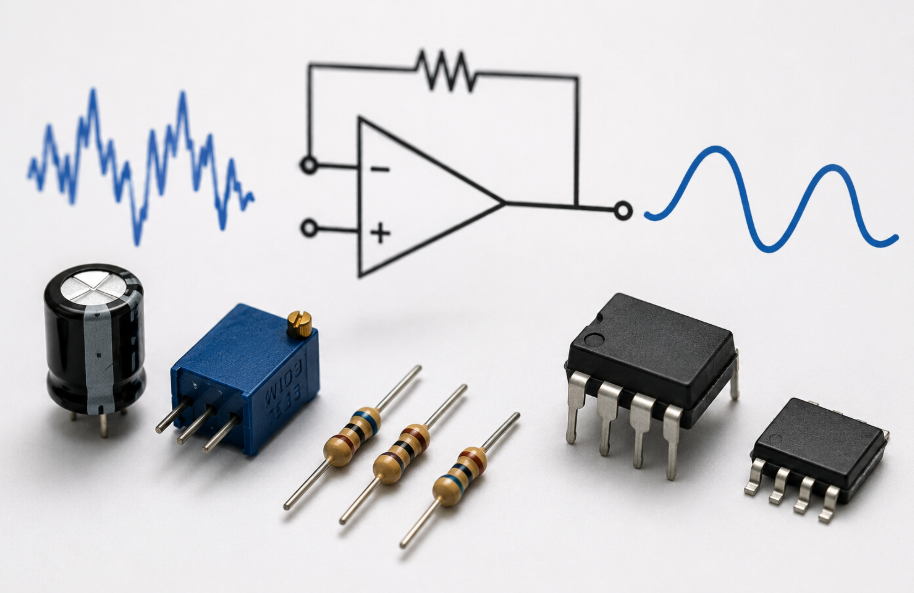
Check the Required Peripherals and Communication Interfaces
Review GPIO, Timers, PWM, ADC, and DAC Requirements
Count your actual pin needs honestly. Add up every sensor input, every output control line, every status LED, and every debug interface, then compare that total against the MCU’s available GPIO count after subtracting pins reserved for power, ground, and crystal connections. It’s surprisingly easy to come up short, especially on compact packages.
Timers and PWM channels deserve the same scrutiny if your system controls motors, generates precise waveforms, or measures pulse timing. ADC resolution and channel count matter just as much for any analog sensing application; a 10-bit ADC might be perfectly fine for a simple temperature reading but inadequate for precision measurement work.
Select Interfaces such as UART, SPI, I2C, CAN, and USB
Communication interfaces are often where projects get into trouble late in development, usually because someone assumed a peripheral existed without checking the actual part’s pin multiplexing.
| Interface | Typical Application | Key Consideration |
|---|---|---|
| UART | Debug console, GPS modules, simple sensor links | Simple but limited to two devices per bus |
| SPI | High-speed sensors, displays, external memory | Fast, but uses more pins per device |
| I2C | Multi-sensor networks, low-speed peripherals | Pin-efficient, but slower and more susceptible to bus issues |
| CAN | Automotive and industrial networks | Robust in noisy environments, requires transceiver hardware |
| USB | PC connectivity, firmware updates, data transfer | Adds complexity but enables direct host communication |
Map every peripheral you need against the specific part number you’re considering, not just the family. Manufacturers frequently vary peripheral counts across package options within the same product line, so the chip with the exact interface combination you need might be a different variant than the one your search first turned up.
Evaluate Ethernet, Wireless, and Security Features
If your product needs network connectivity, decide whether you want it built into the MCU or handled by a separate module. Integrated wireless can simplify your bill of materials, but it locks you into that vendor’s radio performance and certification process. A separate module gives flexibility but adds board space and another component to source and qualify.
Security features matter more than they used to, even for products that don’t look “connected.” Hardware crypto accelerators, secure boot, and unique device identifiers are becoming standard requests from customers in industrial, medical, and automotive sectors, and retrofitting security into a chip that lacks hardware support is far harder than choosing the right one from the start.
Evaluate Power Consumption, Package, and Environmental Ratings
Compare Active, Sleep, and Low-Power Operating Modes
Power consumption isn’t a single number; it’s a profile across different operating states. Active mode current matters for performance, but for battery-powered products, sleep and standby current often determine your entire battery life calculation. Look closely at wake-up time too, since a chip with excellent sleep current but slow wake-up can actually consume more energy overall if your application wakes frequently for short bursts of activity.
Read the datasheet’s power tables carefully and match them against your actual duty cycle, not the manufacturer’s best-case test conditions. A part that looks efficient under continuous operation testing might behave very differently in your specific wake-sleep-wake pattern.
Select the Appropriate Package Type and Pin Count
Package choice affects your PCB design, your assembly process, and your sourcing flexibility all at once. Larger packages with more pins are easier to hand-solder and prototype but take up more board space. Smaller packages save space but often require finer-pitch assembly capability and can limit your manufacturing options if you’re working with a contract manufacturer who isn’t equipped for ultra-fine-pitch work.
Think about your total system pin budget here too. Choosing a package with exactly enough pins leaves zero margin for design changes, while a package with a handful of spare GPIO gives you room to add a feature without redesigning the board from scratch.
Check Temperature Range and Industry Qualification Standards
Commercial-grade parts typically cover 0°C to 70°C, which is fine for indoor consumer products but inadequate for many industrial, automotive, or outdoor applications. Industrial-grade parts usually extend to -40°C to 85°C, and automotive-grade parts often reach -40°C to 125°C or higher, along with qualification standards like AEC-Q100 that verify reliability under stress conditions.
Choosing the wrong grade doesn’t always fail immediately. It often fails months into deployment when a unit sits in a hot enclosure or a cold warehouse, and by then you’re dealing with field returns instead of a simple datasheet check.
Review the Development Ecosystem and Technical Support
Compare IDEs, Compilers, Debuggers, and Development Boards
The best MCU on paper can still be a poor choice if your team has no experience with its toolchain and the learning curve doesn’t fit your timeline. Check whether the manufacturer offers a mature IDE, a reliable compiler, and affordable debugging hardware. A development board that mirrors your target hardware closely can shave weeks off your prototyping phase.
Ask your engineers directly which toolchains they’re already comfortable with. Switching architectures sounds straightforward in a planning meeting, but the actual cost shows up later in debugging time, training, and the inevitable small quirks every toolchain has that experienced users already know how to handle.
Check Available Libraries, Drivers, and Middleware
Existing drivers for common peripherals, communication stacks, and middleware can save enormous development time. Before committing to a part, check whether the manufacturer or a third party already provides tested drivers for the specific sensors, displays, or wireless modules you plan to use.
Writing your own driver from scratch isn’t impossible, but it adds risk and time that most project schedules don’t actually have room for. A chip with a thinner peripheral library but proven, well-documented code for your exact use case often beats a more powerful chip with sparse software support.
Evaluate Manufacturer Documentation and Community Support
Documentation quality varies enormously between manufacturers, and it directly affects how fast your team can solve problems. Application notes, reference designs, and errata sheets matter just as much as the main datasheet, since errata documents often reveal real-world quirks that never show up in the headline specifications.
Community support, whether through official forums or active third-party communities, becomes valuable when you hit an obscure issue at 11 p.m. before a deadline. A widely adopted MCU family usually has a much larger base of shared knowledge than a niche part, even if the niche part looks technically superior on a feature comparison chart.
Compare Cost, Availability, and Long-Term Supply
Calculate the Total System Cost, Not Just the MCU Price
The unit price on a distributor’s page is only one piece of the real cost. Factor in development board costs, software licensing if any middleware requires it, additional support components like crystals and decoupling capacitors, and the engineering hours needed to integrate that specific part. A slightly more expensive MCU with better documentation and existing drivers can easily cost less overall than a cheaper chip that eats weeks of unplanned development time.
This is where I’d encourage you to think like a procurement professional rather than just an engineer. The part that’s three cents cheaper but adds two weeks to your schedule rarely wins on total cost once you account for engineering time and delayed time to market.
Check Stock Availability, Lead Time, and Lifecycle Status
This step gets skipped constantly, and it’s the one I see cause the most pain during actual production ramp-up. A microcontroller can be technically perfect and still be a poor choice if it’s allocated, has a twelve-month lead time, or is already flagged for end-of-life by the manufacturer.
| Lifecycle Status | What It Means | Sourcing Implication |
|---|---|---|
| Active | Currently in full production | Generally safe for new designs |
| NRND | Not Recommended for New Designs | Avoid for new projects; existing designs should plan a transition |
| Last Time Buy | Manufacturer accepting final orders | Requires a buy decision or a redesign plan immediately |
| Obsolete | No longer manufactured | Sourcing only through distributor stock or secondary market |
Check this status before you finalize a design, not after you’ve already built a prototype around it. A trustworthy component supplier should be able to tell you not just whether a part is in stock today, but how stable that supply is likely to be over your expected production lifetime.
Prototype, Test, and Approve the Final Microcontroller
Once you’ve narrowed your shortlist using everything above, build a real prototype and test under actual operating conditions, not just bench conditions. Run it through your expected temperature range, your real communication load, and your actual power cycling pattern. Datasheets describe typical conditions; your application rarely matches “typical” exactly.
Approve the part only after this real-world validation, and document your reasoning. Six months later, when someone asks why this specific MCU was chosen over three alternatives, you’ll want a clear record rather than a vague memory of a decision made under deadline pressure.
Conclusion
Choosing a microcontroller is really two decisions layered together: an engineering decision about whether the chip can do the job, and a supply chain decision about whether you can keep buying it. Skip either half, and the consequences show up eventually, whether that’s a board respin six weeks before launch or a frantic search for substitutes when your original part goes obsolete mid-production.
Work through requirements first, narrow by architecture and memory, confirm peripherals and power behavior, check the development ecosystem, and only then make your final call based on cost and long-term availability. Treat each step seriously, and the chip you land on will support your product through development and well into its production life, not just through the first prototype run.
If you’re also sourcing electronic components for your next embedded design, Duolink Electronics is an independent electronic components supplier offering integrated circuits, semiconductors, passive components, connectors, and other electronic parts. Our team supports BOM sourcing, part number lookups, stock availability checks, and sourcing for hard-to-find or obsolete components. If you have a sourcing need, leave us a message on our website or reach out to our team directly on WhatsApp, and we’ll help you find the right part for your project.
Frequently Asked Questions
How do I confirm if an integrated circuit is the correct part for my BOM?
The safest way is to check the full manufacturer part number, package type, voltage range, temperature grade, pin count, and lifecycle status. For ICs, even a small difference in suffix, package code, or temperature rating may affect PCB compatibility or product reliability.
Why is package type important when sourcing ICs?
Package type affects PCB layout, soldering process, thermal performance, and assembly cost. For example, SOIC, QFN, QFP, and BGA packages may have similar functions but very different mounting requirements. Before purchasing, buyers should confirm whether the package matches the original PCB design and production process.
Why does package type matter for MCU sourcing?
Sometimes, but it must be checked carefully. A replacement IC should be compared by electrical specifications, pin configuration, package size, operating temperature, and firmware or system compatibility. For production BOMs, it is better to test samples before approving a substitute part.
Can I use a different MCU if the original part is out of stock?
Sometimes, but it must be checked carefully. The alternative MCU should match the package, pinout, voltage range, memory size, peripherals, clock speed, temperature grade, and firmware requirements. Sample testing is recommended before production use.
Can Duolink Electronics help source MCU alternatives?
Yes. Duolink Electronics can help check MCU part numbers, package options, stock availability, lifecycle status, lead time, and possible alternatives based on your BOM or technical requirements.